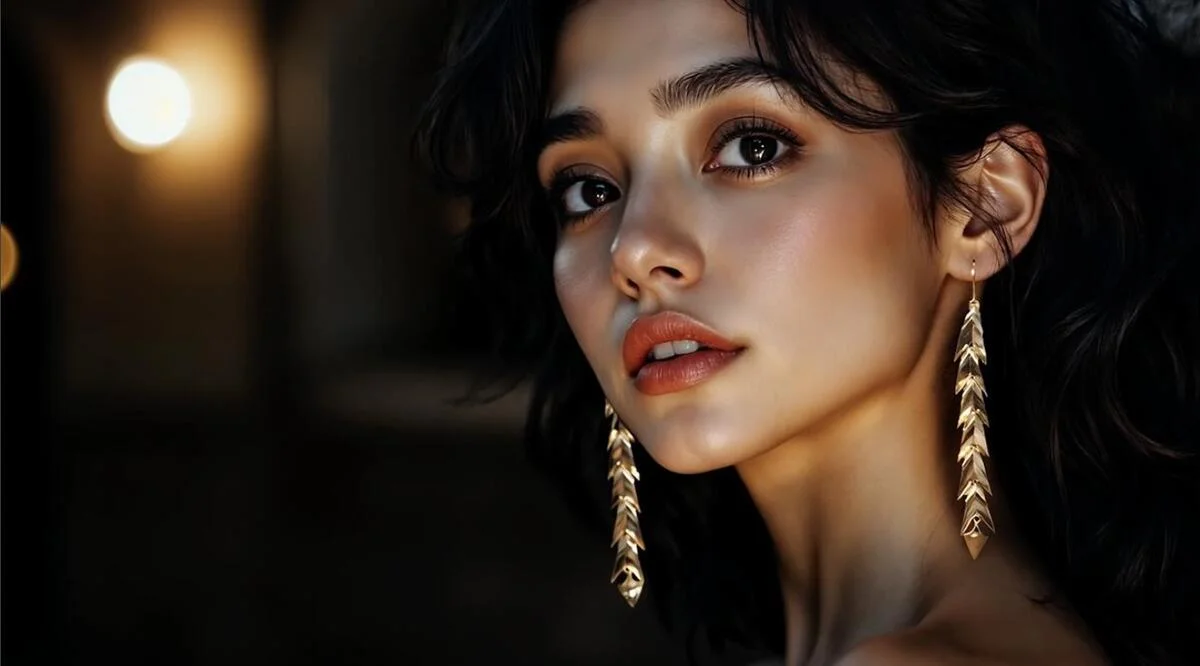
Kalon AI photo editing is a crucial element of everyday visual storytelling. From social media influencers to professional photographers, everybody wants their photographs to be picture-perfect. Among the most tedious and laborious processes within photo editing is correcting poor skin tones. The good news is that using a plugin like Kalon AI can make it both quick and simple. Its user interface is so simple that even novice photo editors can benefit from it.
In the following article, we will walk you through how the image processing tool, Kalon AI, helps smooth and refine skin in photos instantaneously, within a few clicks.
1. Intelligent Skin Detection
Kalon AI begins by analyzing the pic with the use of sophisticated machine learning techniques. Kalon identifies faces and skin areas with utmost accuracy. Contrary to other editing tools, which rely heavily on the selection and masking method, Kalon AI can distinguish:
- Skin tones
- Facial Features
- Background elements
This intelligent detection system helps in ensuring that only the areas that need correction are corrected, leaving other parts of the image untouched.
2. Automated Blemish Removal
Having identified the areas on the skin, the Kalon AI software then applies automated blemish removal. Blemish removal is an intelligent feature that recognizes and removes imperfections such as:
- Acne and pimples
- Scars
- Dark spots
- Minor wrinkles
Rather than the process of cloning or healing, which is slow and inaccurate, Kalon AI does this process immediately to remove imperfections in the skin without making it look artificial or soft.
3. Texture Preservation and Realism
The drawback that most computer programs face is that sometimes the correction of the image results in a plastic look. This is not likely to occur with the advanced photo retouching technology that Kalon AI has to offer. It balances:
- Clarity and Smoothness
- Retention of subtle textures
- Realistic Lighting and Shadows
The result? Clean, clear skin that looks remarkably real.
4. Tone and Color Balance
Bad skin in the photo is usually evidenced by poor tone and color. Kalon AI remedies this by adjusting the tone and color of the image:
- Reducing Redness
- Neutralizing blotchy areas
- Evening out color discrepancies
Describe the
Moreover, through precise color correction, the AI ensures a harmonious and visually appealing skin tone that matches the rest of the image naturally.
5. Smart Lighting Optimization
Lighting plays a tremendous role in affecting how one’s skin looks. Thus, inadequate lighting may accentuate imperfections such as shadows and contrast. Kalon AI solves this by maximizing the presence of adequate light precisely where it is needed most, which is on one’s face.
- Increase brightness if necessary.
- Soften harsh highlights
- Improve shadow details
This results in a smoother and more pleasing complexion without impacting the background or the quality of the image.
6. Fine-Tuning and Custom Controls
Although Kalon AI does many things automatically, it also allows users who prefer more personalization the option of manual operation with its easy-to-use manual controls. For example, you may:
- Strength of skin smoothing
- Tone Correction Levels
- Detail Emphasis
This enables the user to find the perfect balance between natural and enhanced looks.
7. Batch Processing for Speed
Clearly, if one is a photographer or photo/video editor who works with a lot of different images, Kalon AI’s batch processing ability is a game-changer. Instead of editing one image at a time, one can apply exactly the same skin retouching adjustments to many different images all at once.
Think of fixing an entire photoshoot’s worth of portraits in just minutes, and this is basically what Kalon AI offers.
8. Rapid Results in Minutes
The biggest advantage of using Kalon AI for skin correction enhancement is speed. The traditional retouching process could take hours for a single image, particularly when fine details are involved. By using Kalon AI:
✔ Upload your image
✔ Let the AI analyze it
✔ Use sliders to review and adjust
Save the finished photo. All of that can be done in as little as a few minutes, or even seconds in the case of batch edits.
Conclusion
Kalon AI has revolutionized how we perfect imperfect skin in our photos. With intelligent detection, automatic blemish removal, tone correction, and realistic texture maintenance, Kalon AI allows us to perfect our images without the time-consuming process of Photoshop. Whether you’re a social media enthusiast or a seasoned photographer, Kalon AI ensures you perfect your imagery beautifully, effortlessly, and quickly!
