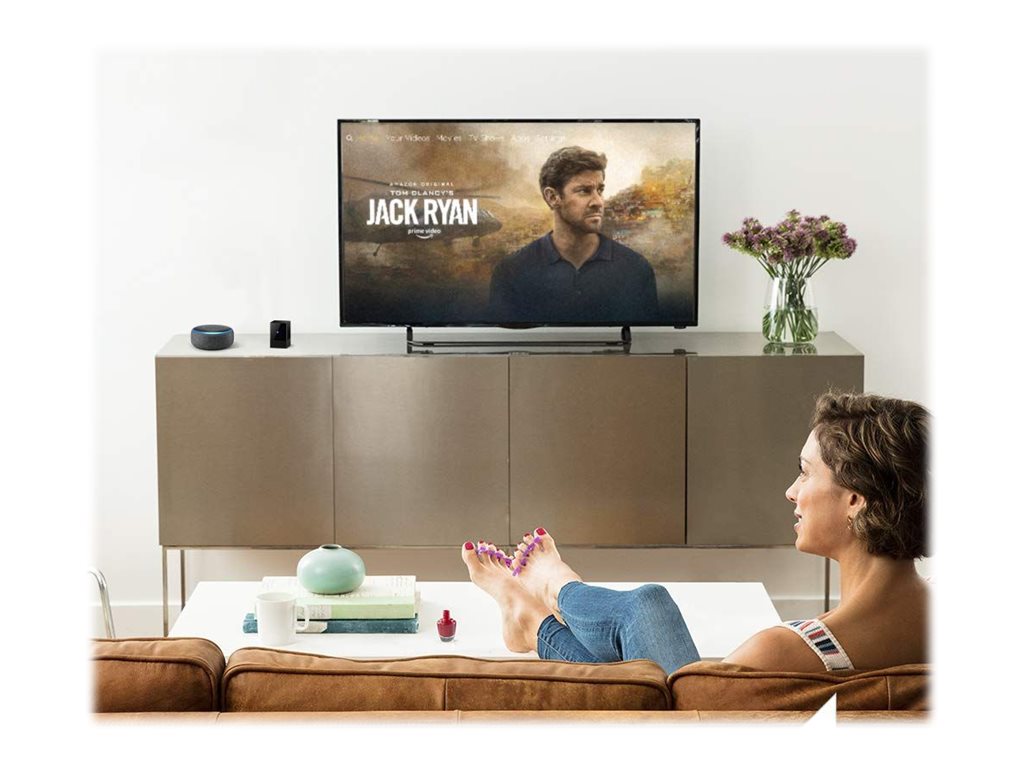
If you’re aiming for a more minimalist home entertainment setting, one of the easiest ways is by directly controlling your soundbar through the Fire TV Blaster. Amazon’s Fire TV Blaster helps in simplifying your media experience with the facility to control multiple devices using one remote click, which reduces clutter and makes it seamless. Here’s how you can take full advantage of this feature.
What is Fire TV Blaster?
The Fire TV Blaster is an additional accessory for Amazon Fire TV that gives you infrared control over compatible TVs, soundbars, and other audio gear. Unlike standard remotes that can only target a single device at a time, the Blaster enables your Fire TV remote to send a signal to several separate pieces of electronics simultaneously, making control centralized and negating the need to juggle several remotes.
How It Works with Soundbars
Most soundbars these days support IR control or HDMI-CEC, allowing devices to talk to each other through your HDMI connection. If you hook up your Fire TV Blaster with a compatible soundbar, it allows you to:
Adjust volume directly from your Fire TV remote
Power the soundbar on or off automatically with your TV
Switch input modes without using the soundbar remote.
This is especially helpful if the soundbar is in an area that’s difficult to get to, or if you want a neat, minimalist remote setup.
Set Up Your Soundbar with Fire TV Blaster
Follow these steps to connect and operate your soundbar:
Check Compatibility: Your soundbar must be IR controllable or include HDMI-CEC. Most major brands, including Bose, Sonos, LG, and Samsung, are supported.
Connect the Blaster: The Fire TV Blaster should be plugged into the USB of your Fire TV. Set up the IR emitter to be aimed at the IR receiver of the soundbar.
Pair Devices: Fire TV settings menu:
Settings → Equipment Control → Manage Equipment → Add Equipment
Click Audio Device, then follow the onscreen prompts and pair your soundbar.
Test Functionality: Using your Fire TV remote, try to adjust the volume, power, and input settings to see that the soundbar receives those commands.
By pairing, your Fire TV remote will now be able to operate all major functions of your soundbar.
Tips for Optimal Performance
Do not obstruct the IR path: Make sure there are no obstructions between the Blaster and the soundbar.
Update Firmware: It is essential to ensure that you have the latest updates on your Fire TV and sound bar to avoid any compatibility problems.
Check HDMI-CEC Settings: Some soundbars are best connected through HDMI-CEC. The feature should be enabled in both TV and soundbar settings.
Label Your Devices: This is useful if you have several devices connected to the audio system, making it hard to know what is what. You can label the devices in the equipment control menu.
Perks of Controlling Your Soundbar Using Fire TV Blaster
Convenience: “One remote control to rule them all,” which removes clutter.
Efficiency: The ability to instantly receive volume and power without requiring several remote controls.
Integration: Works perfectly with voice commands using Alexa if the remote for your Fire TV is equipped with voice functionality.
Conclusion
Control of your soundbar made easy through Fire TV Blaster helps in simplifying your overall home theater system and increasing convenience and ease of access. This gadget assists in managing all aspects of your entertainment system in a perfectly organized manner, starting from power and volume to all the necessary input controls in one remote. It helps in making your home theater system as seamless as your entertainment experience.
