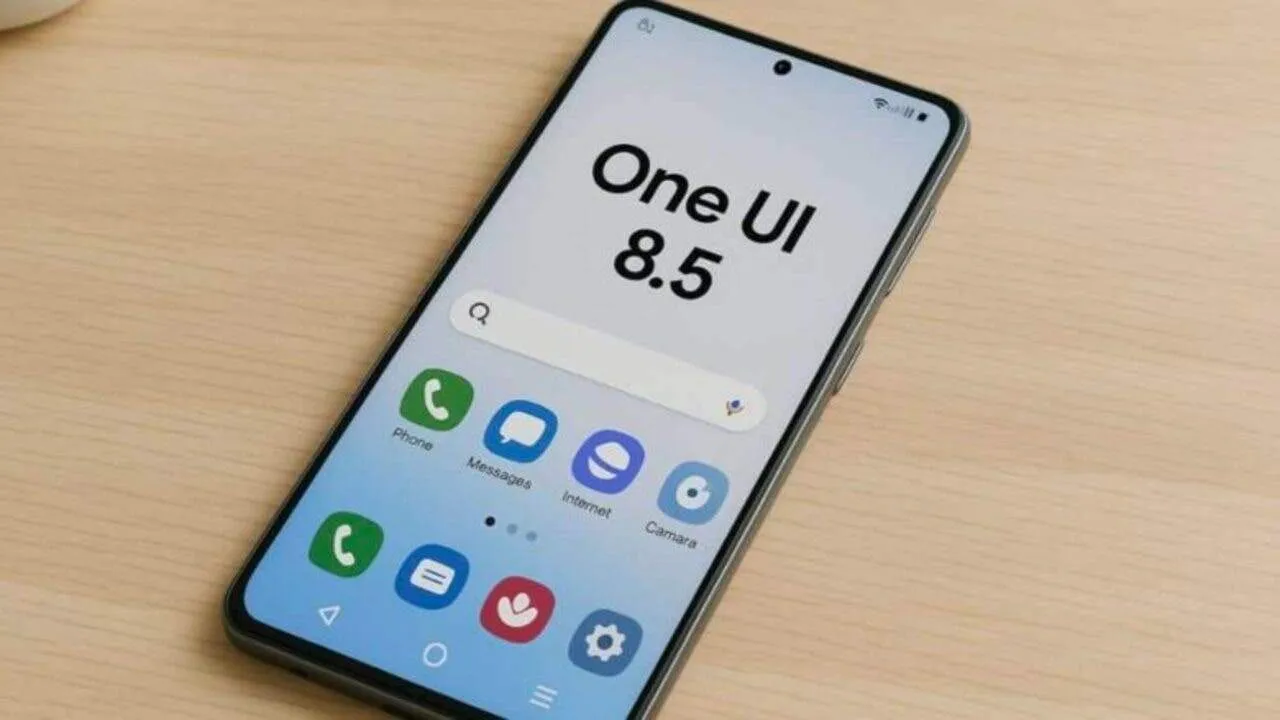
One UI is one of the most popular Android skins worldwide – admired for its clean and simple design and seamless user experience. With almost every new update, Samsung assures users not only new and more features but also faster and more efficient performance. One UI 8.5 is the latest upgrade to One UI 8, and there is an important question many Samsung users are asking about!
In this piece, we will delve into how One UI 8.5 impacts performance, what Samsung has done under the hood, real-world responsiveness, and whether it meets what users want in terms of speed.
What Is One UI 8.5?
One UI: This refers to Samsung’s skin on top of the Android operating system used in Samsung Galaxy devices. One UI 8.5: This is an incremental update to One UI 8.
- UI enhancements and polish
- New & Improved Features
- Optimizations in the system to improve performance
- Improved AI Integration
- Improved Battery & Memory Management
Compared to a major version upgrade, such as One UI 9, 8.5 aims for polishing current capabilities and making the system more efficient and snappier.
Understanding “Speed” on Smartphones
Before we can decide that One UI 8.5 is faster than One UI 9.1, we need to clarify the definition of faster:
- App Launch Speed – How fast apps open
- Animations & Transitions – Smoothness and snappiness of UI motion
- System Responsiveness – Touch, Notification, Multitasking
- Background Efficiency – The degree of memory & power usage.
gaming performance • Frame Rates • Gaming Stability Performance A phone that feels faster isn’t necessarily faster in benchmarks – and vice versa. Too many things influence perception.
Technical Optimizations in One UI 8.5
One UI 8.5 includes several under-the-hood changes, per Samsung, that should help to improve performance:
1. Smarter Resource Allocation
One UI 8.5 enhances the efficient use of RAM and CPU by the system. It now manages unused background apps much more aggressively to free memory for foreground applications. This should reduce lag and make switching between apps feel smoother.
2. Enhanced System Services
Core services like System UI, launcher animations, and background processes have been retooled for efficiency. This decreases system overhead and might also improve touch responsiveness.
3. Improved Power Management
Smoothening of the battery does not directly make the operation of the phone faster; however, a well-managed battery prevents thermal throttling (a situation where your phone slows down to prevent components from overheating). Thus, by reducing the unnecessary background activity, One UI 8.5 can keep performance steadier over time.
4. AI-Driven Predictions
One UI 8.5 features smarter AI that predicts your next move — whether it’s preloading a commonly used app or function. If the system correctly predicts what you want to do next, then the phone feels faster because things take less time to respond.
Real-World Performance: Does It Really Feel Faster?
General System Responsiveness
There are reports of improved navigation responsiveness and menus after upgrading their phones to One UI version 8.5. Part of the reason here is Samsung optimizing animations in addition to reducing unnecessary system tasks related to touch inputs.
App Launch Times
Real-world tests do reflect a little boost in app launch times in many situations – most notably in the apps you use regularly. This is probably due to some optimized RAM management and AI preloading.
Gaming and High-Performance Tasks
One UI 8.5 brings performance stabilization for long gaming sessions. The games may not deliver higher peak frame rates, but they have been observed to perform more steadily without many frame drops, especially for flagships.
Battery and Thermal Management
Phones with One UI 8.5 throttled less under heat stress conditions than their predecessors. This indicates that the performance under heavy tasks can now be more reliably maintained, thus contributing to improved speed.
BENCHMARKS VS. REAL-WORLD
Synthetic benchmarking tools such as Geekbench, An Tutu, or 3DMark test the pure hardware performance. One UI 8.5 won’t provide massive benchmark improvements since benchmarking prioritizes the best hardware performance rather than efficiency.
Yet, it is in improvement areas such as app launch, switching between tasks, or using menus that one will notice changes from One UI 8.5; this is because it is common for UI updates to make the process smoother, even if statistics do not show drastic changes.
Will One UI 8.5 Make Older Phones Faster?
The question on the lips of many Galaxy owners is:
Will One UI 8.5 improve the performance of my older model Galaxy?
The reply to that is:
Yes – In Many Cases
Devices of yesteryear enjoy better-optimized background management and animations. Those users of Galaxy S20/S21 and even A-series devices have noticed improved responsiveness as well.
Not a Miracle Cure
So if your smartphone has trouble with RAM or usage, One UI 8.5 won’t do much magic to make it a flagship. The improvements are just noticeable.
Potential Negatives or Disadvantages
While One UI 8.5 brings some welcome boosts in performance, this does come with several caveats:
Load-in of Initial Update
After the update is installed, the performance of your device may temporarily feel slower while apps are re-indexing and optimizing themselves to the new system.
Bug Fixes Take Time
Minor bugs after major updates may hamper performance until further patches become available.
Battery Optimization vs. Background Applications
Aggressive background management might prevent some apps from refreshing in the background, which saves battery, but can be inconvenient if you rely on apps like messaging or email for constant updates.
Tips to Obtain Maximum Speed Following Update
For the best performance after upgrading to One UI 8.5, try these:
1. Clear App Cache
Over time, app caches can lead to performance slowdowns. Clearing them following a major update often helps.
2. Reboot your phone
A simple restart lets the system settle after the update.
3. Disable Animations Not Needed Settings → Developer options → Animation scales — decreasing these can make your phone feel snappier.
4. Using Samsung’s Device Care, you can optimize storage, memory, and battery usage in Settings → Battery and device care.
Conclusion
One UI 8.5 does not provide a speed revolution in benchmarks, but does enhance real-world performance by:
- Improves memory and resource management
- More fluid animations and smoother UI interaction
- Intelligent forecasts and background adaptation
Improves thermal throttling during heavy usage. For the vast majority of its users, the update brings about a smoother and snappier experience, particularly if the devices were well-maintained.
